Kicks Media

Business Sales CRM

Use these awesome forms to login or create new account in your project for free.
Datta Able Admin Template

Happy clients use Dashboard

Kicks Media

Business Sales
CRM

Use these awesome forms to login or create new account in your project for free.
Datta Able Admin Template

Kicks Media

Business Sales
CRM

Use these awesome forms to login or create new account in your project for free.
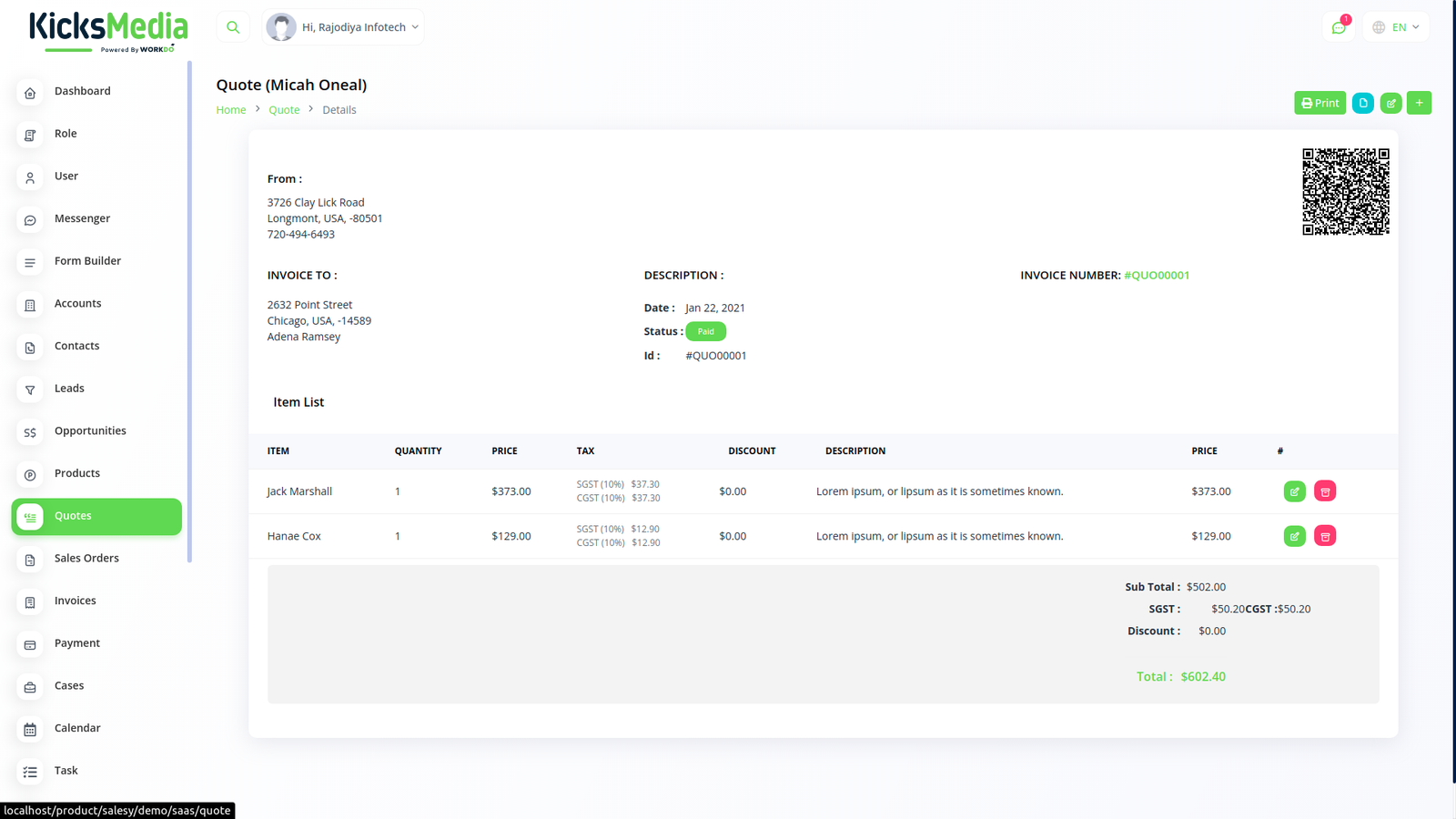
Features Business Sales CRM

Use these awesome forms to login or create new account in your project for free.
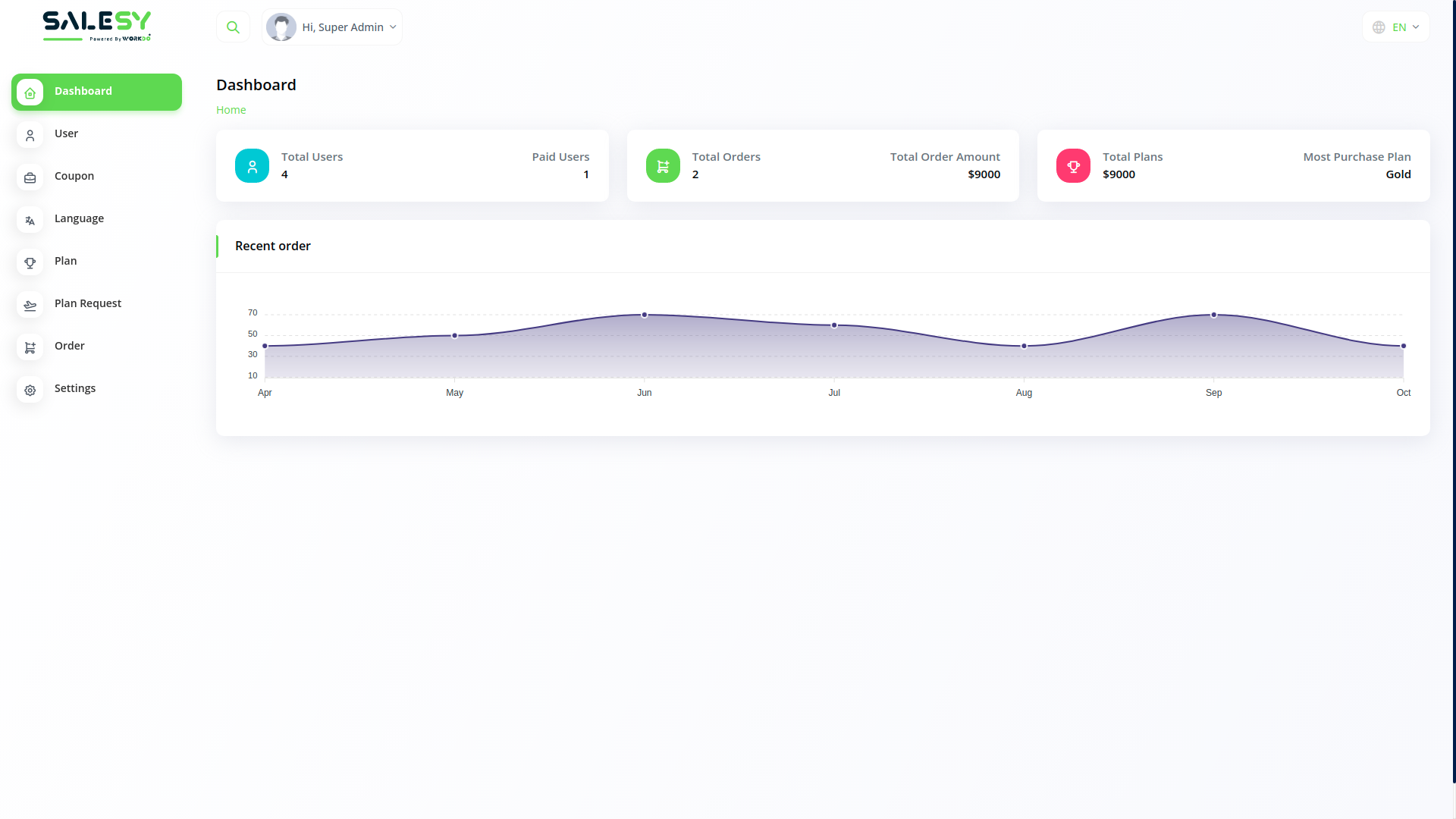
CRM

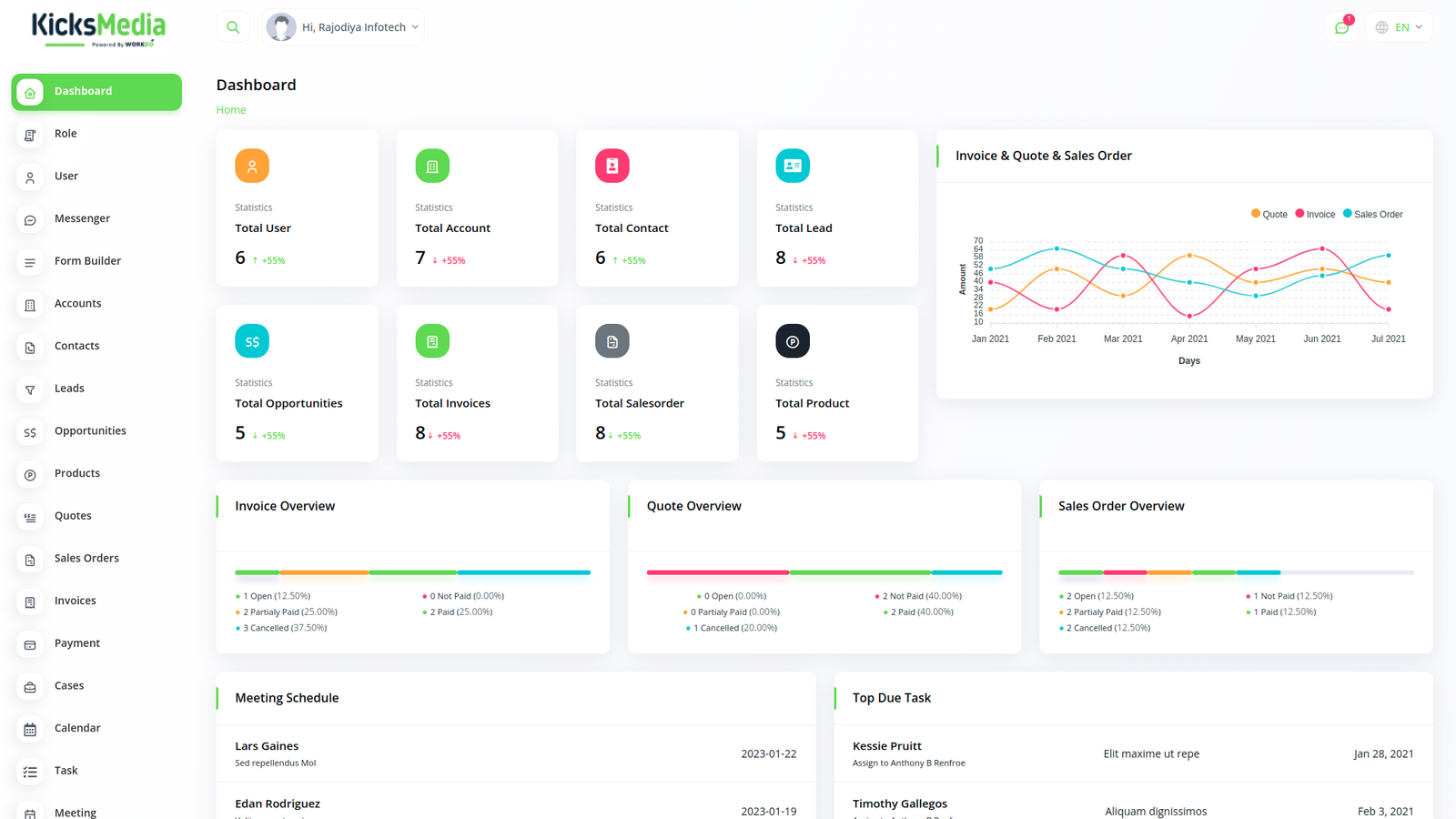
Smart Dashboard

Get a complete overview of your sales pipeline, revenue metrics, and team performance at a glance.

LEADS

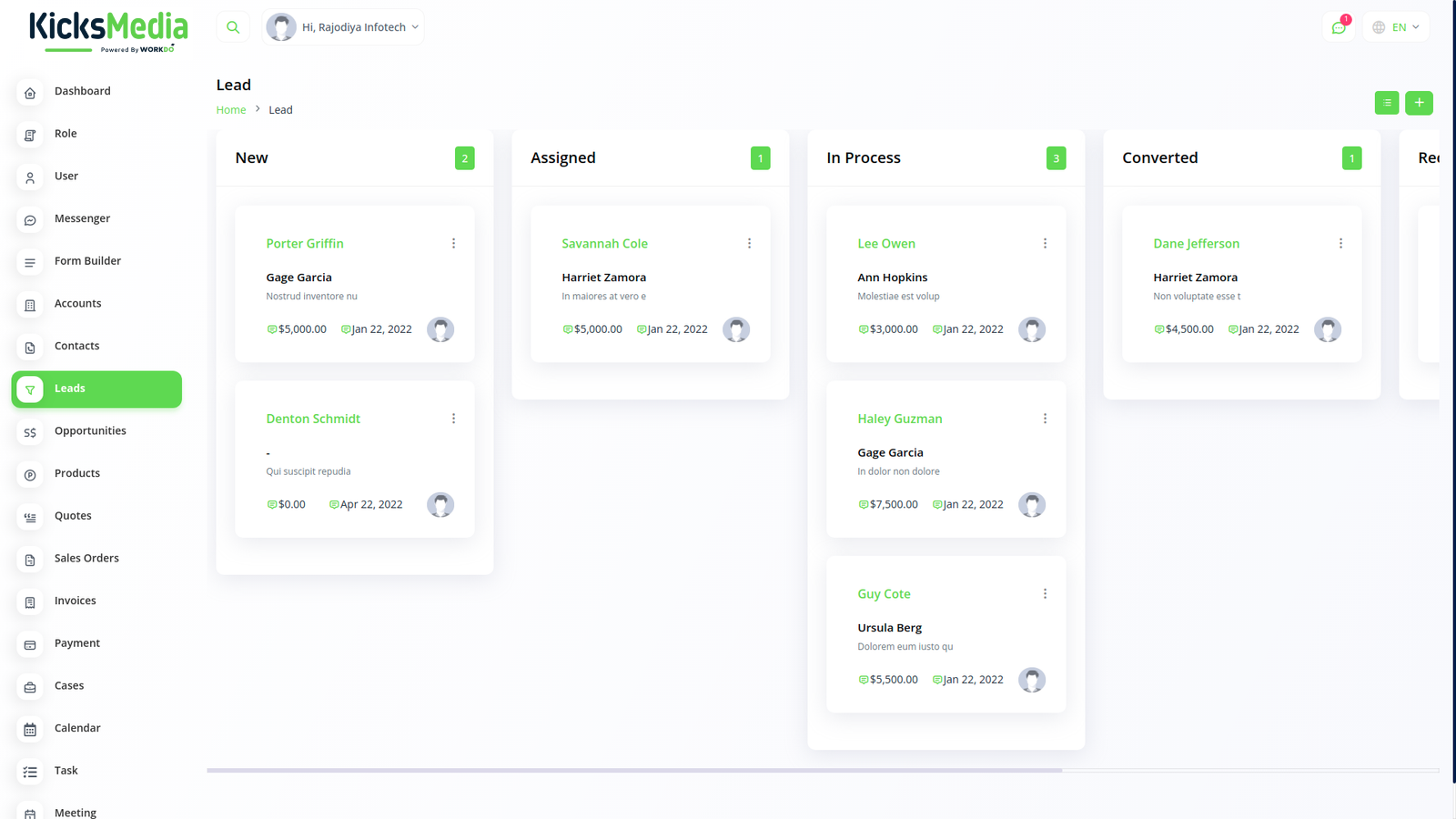
Lead Management

Capture, track, and convert leads efficiently with automated follow-ups and source tracking.

TEAM

Team Collaboration

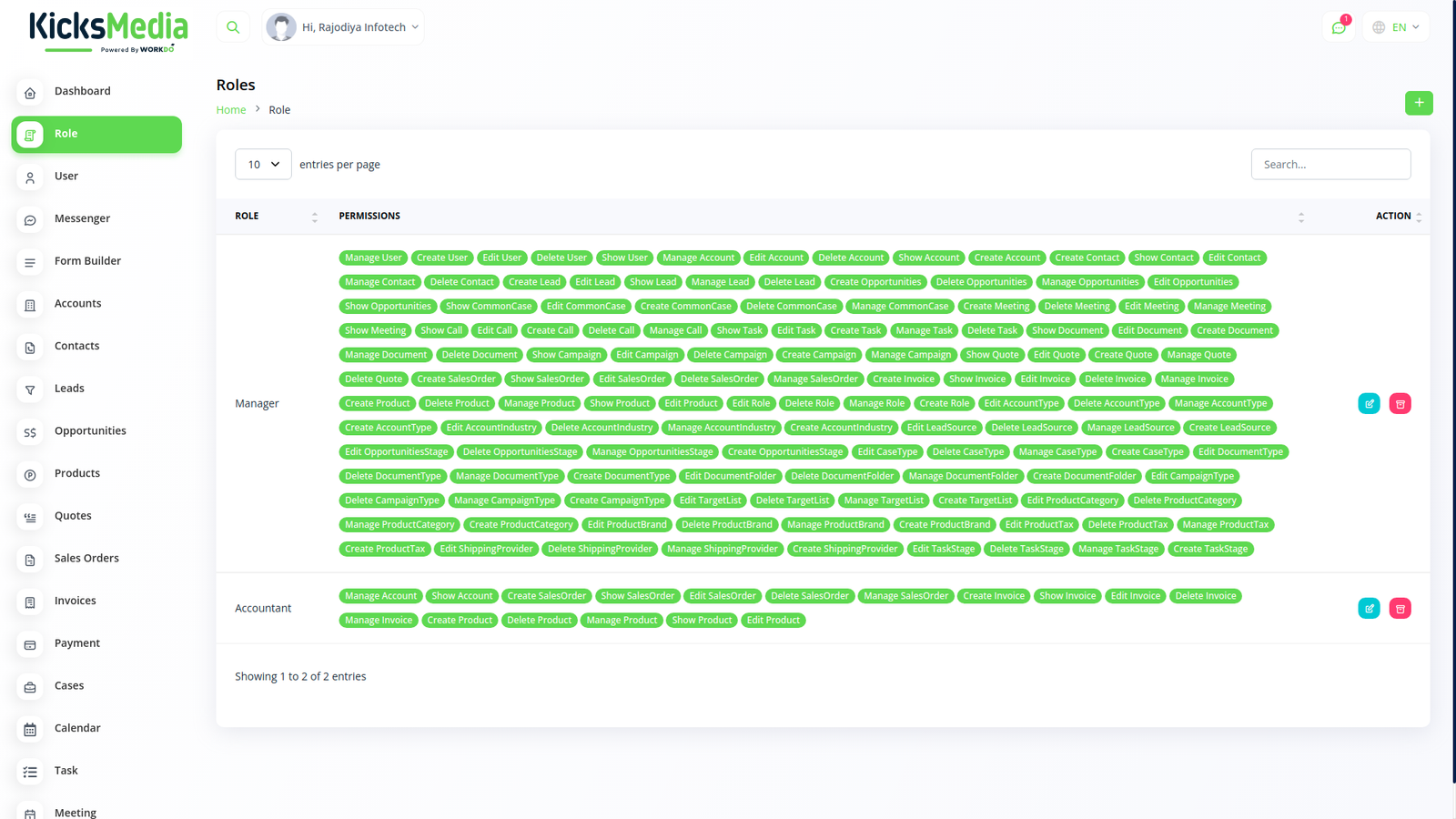
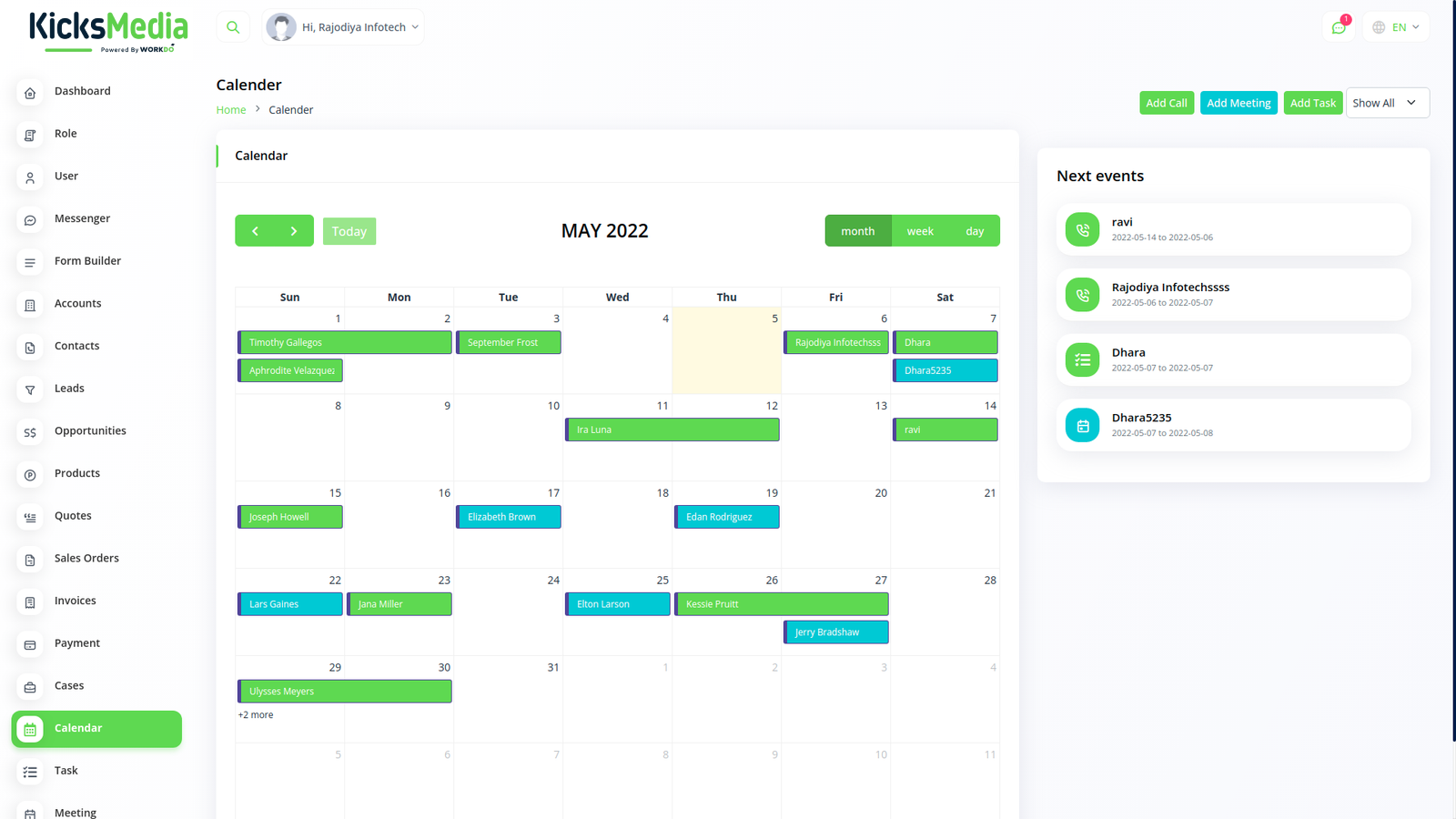
Manage tasks, schedule meetings, and collaborate with your team using role-based permissions.

BILLING

Invoicing & Payments

Generate professional invoices and accept payments through multiple integrated payment gateways.

Kicks Media

Business Sales
CRM

Use these awesome forms to login or create new account in your project for free.
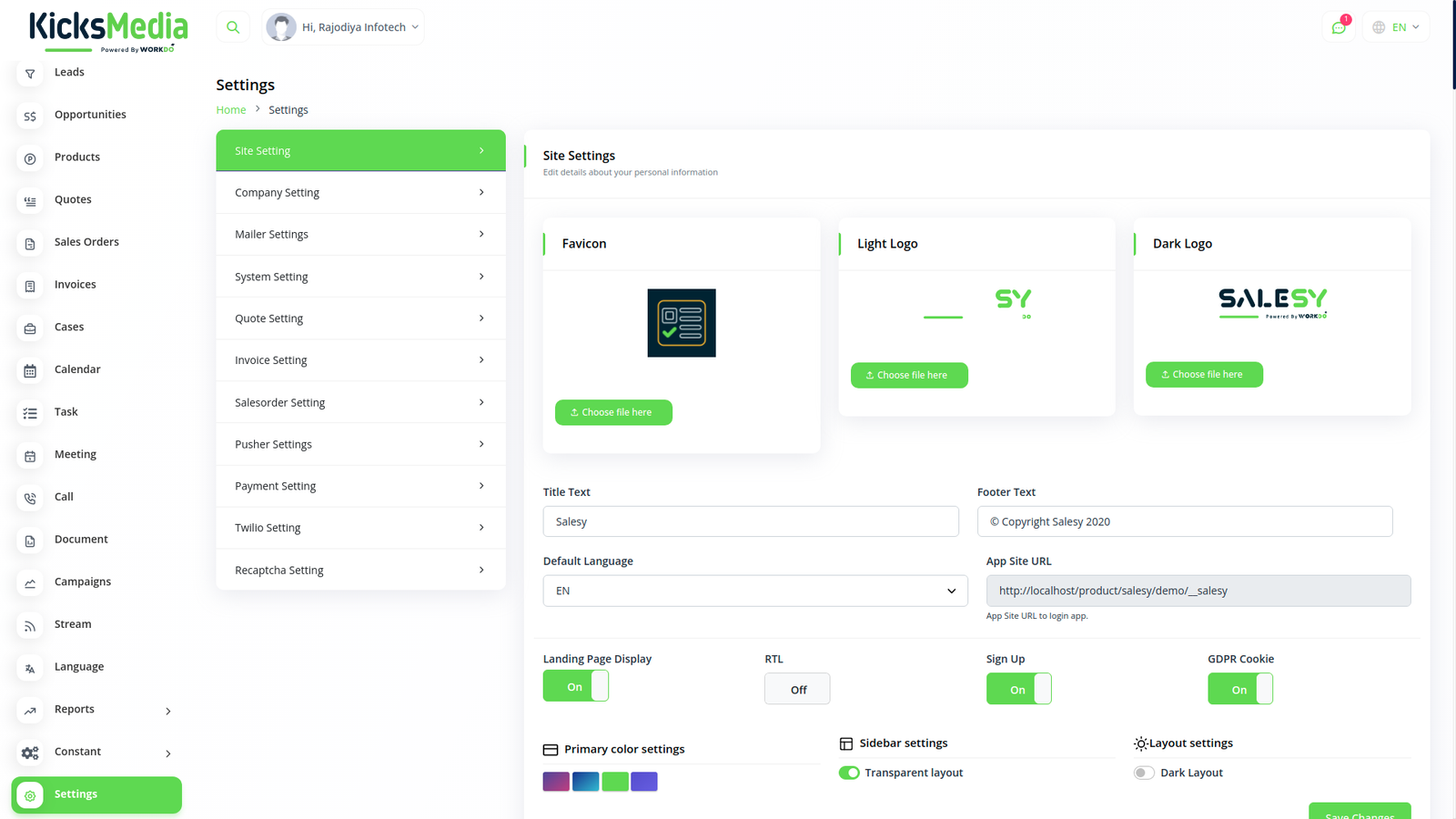
Datta Able Admin Template

Kicks Media

Business Sales
CRM

Use these awesome forms to login or create new account in your project for free.
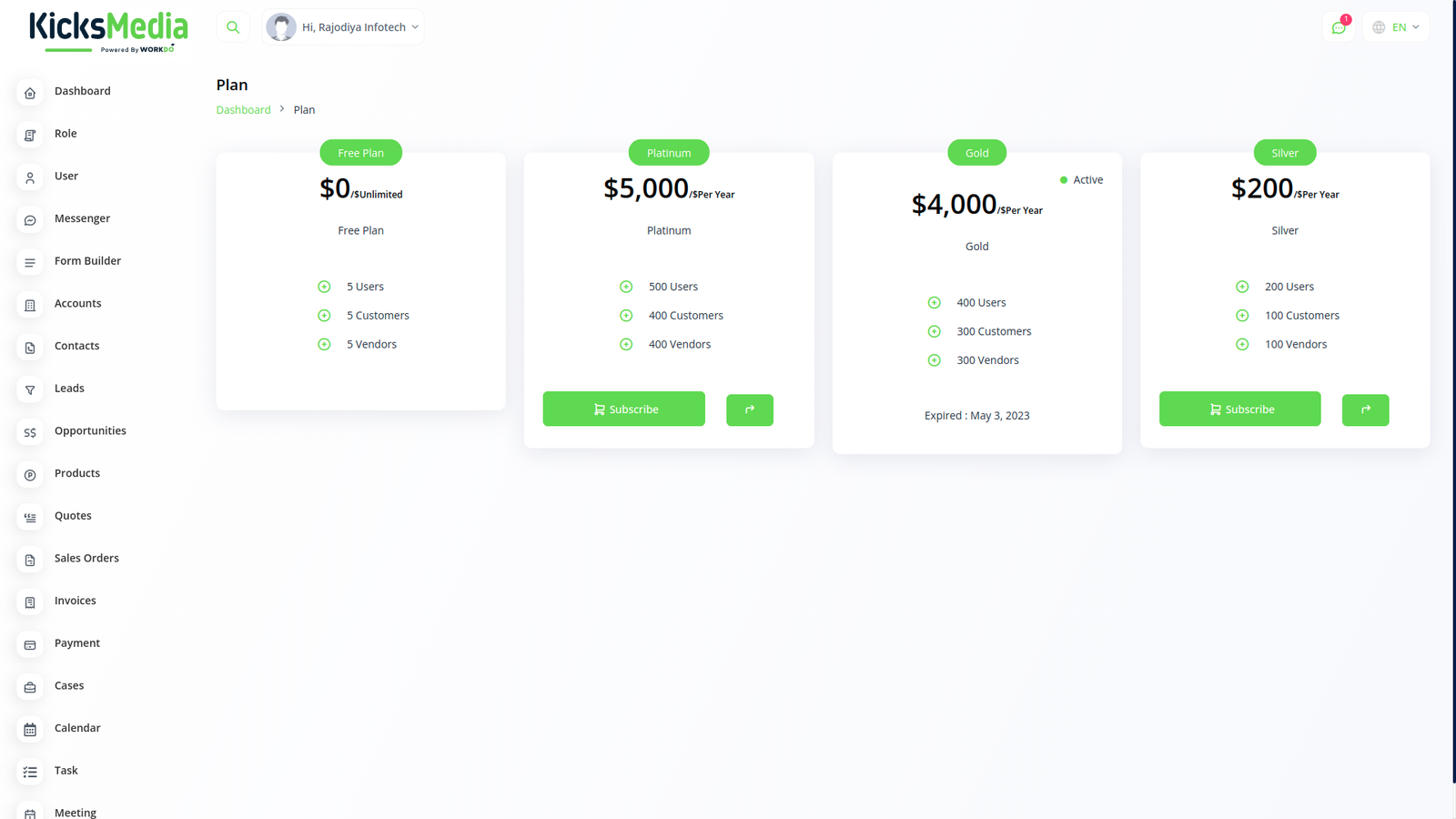
Why Choose Us Powerful CRM Features

Everything you need to manage your business sales pipeline, contacts, and team collaboration.

CORE

Contact & Lead Management

  • Unlimited contacts & leads
  • Custom fields & filters
  • Lead source tracking
ADVANCED

Sales & Invoicing

  • Quotes & sales orders
  • Invoice generation
  • Multi-payment gateways
  • Revenue analytics
PRO

Team & Workflow

  • Role-based permissions
  • Task & meeting management
  • Campaign tracking
  • Custom reports & analytics
  • Contract management
  • Multi-language support

Frequently Asked Questions

Use these awesome forms to login or create new account in your project for free.
This is the first item's accordion body. It is shown by default, until the collapse plugin adds the appropriate classes that we use to style each element. These classes control the overall appearance, as well as the showing and hiding via CSS transitions. You can modify any of this with custom CSS or overriding our default variables. It's also worth noting that just about any HTML can go within the .accordion-body, though the transition does limit overflow.

This is the second item's accordion body. It is hidden by default, until the collapse plugin adds the appropriate classes that we use to style each element. These classes control the overall appearance, as well as the showing and hiding via CSS transitions. You can modify any of this with custom CSS or overriding our default variables. It's also worth noting that just about any HTML can go within the .accordion-body, though the transition does limit overflow.

This is the third item's accordion body. It is hidden by default, until the collapse plugin adds the appropriate classes that we use to style each element. These classes control the overall appearance, as well as the showing and hiding via CSS transitions. You can modify any of this with custom CSS or overriding our default variables. It's also worth noting that just about any HTML can go within the .accordion-body, though the transition does limit overflow.

Kicks Media

Business Sales
CRM

Use these awesome forms to login or create new account in your project for free.

Admin
Admin
Admin
Admin
Admin
Admin
Admin
Admin